



ASA Firewall_Backup OS_Phần 2
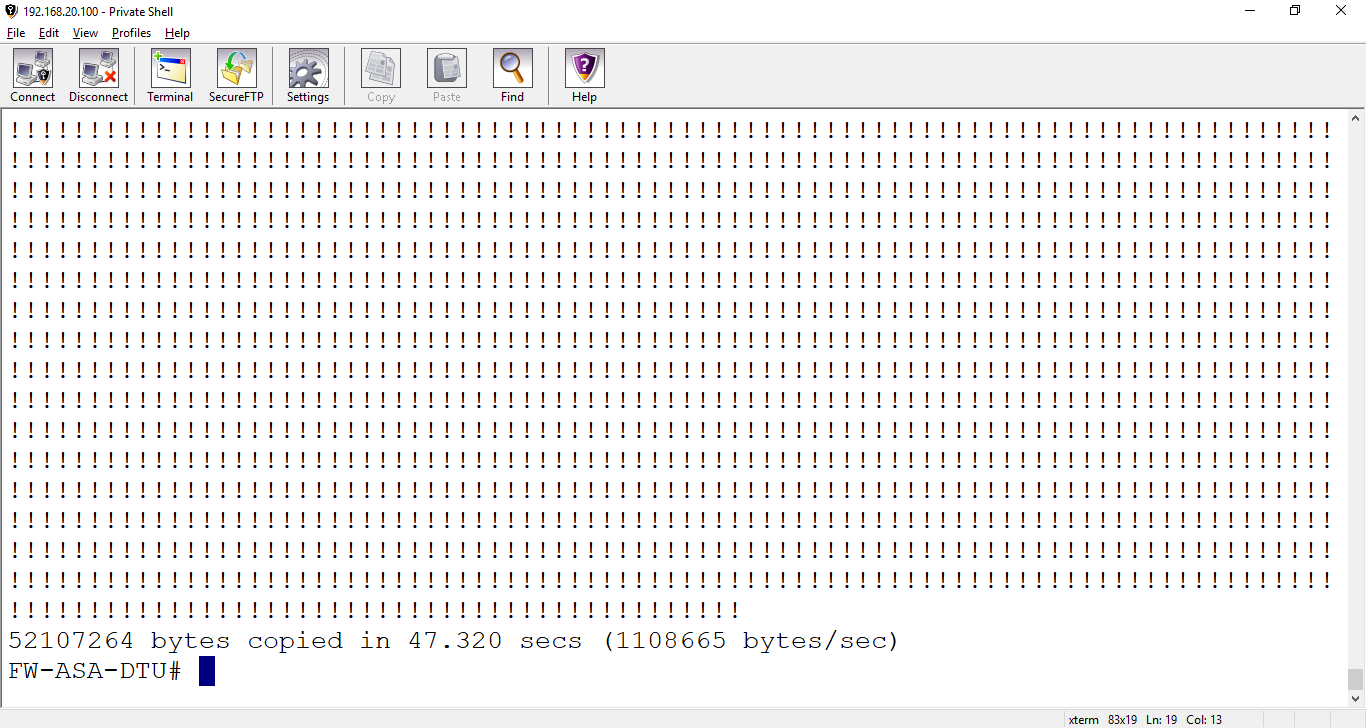

The same, if you want to copy from TFTP Server to ASA Firewall.
FW-ASA-DTU# copy tftp:/192.168.20.1/cs427a.txt disk0:/cs427
Address or name of remote host [192.168.20.1]? 192.168.20.1
Source filename [/192.168.20.1/cs427a.txt]? cs427a.txt
Destination filename [cs427a.txt]? cs427a.txt
Accessing tftp://192.168.20.1/cs427a.txt...!
Writing file disk0:cs427a.txt...
!
5 bytes copied in 0.100 secs
FW-ASA-DTU#


FW-ASA-DTU# show disk0:

Using FTP
From a command line:
1. Enter the following command:
copy ftp://[username[:password]@]
Example:
copy ftp://cisco:XXXXX@x.x.x.x/ asa921-smp-k8.bin disk0:/ asa921-smp-k8.bin
2. ASA will confirm the server and filename, review each and press enter:
Address or name of remote host [x.x.x.x]?
Source username [cisco]?
Source password [XXXXX]?
Source filename [asa921-smp-k8.bin]?
Destination filename [asa921-smp-k8.bin]?
3. If the ASA can communicate with FTP server, you should see a bunch of !!!!!!! filling your screen. Monitor this process, if you do not have enough space in the location you’re copying the file to, you will receive an error during the write process.
Using HTTP(S)
From a command line:
1. Enter the following command:
copy http[s]://[username[:password]@]
Example:
copy http://cisco:XXXXX@x.x.x.x:80/ asa921-smp-k8.bin disk0:/ asa921-smp-k8.bin
2. ASA will confirm the server and filename, review each and press enter:
Address or name of remote host [x.x.x.x]?
Source filename [asa921-smp-k8.bin]?
Destination filename [asa921-smp-k8.bin]?
3. If the ASA can communicate with HTTP server, you should see a bunch of !!!!!!! filling your screen. Monitor this process, if you do not have enough space in the location you’re copying the file to, you will receive an error during the write process.
Using SSH/SCP
The SCP method is the most secure. Before using the method, you need to make sure SCP is enabled on the firewall.
1. Enable SCP on the ASA
To use the SCP method, you must first enable it on the firewall:
hostname(config)# ssh scopy enable
2. Copying files to the ASA
From a Unix/Linux host with OpenSSH or Tectia SSH installed:
Enter the following command:
scp –v
Example: scp –v asa921-smp-k8.bin cisco@x.x.x.x
References
[1]http://www.mustbegeek.com/configure-ssh-access-in-cisco-asa/
[2]https://cuongquach.com/firewall-asa-bai-1-cau-hinh-co-ban.html
[3]https://learningnetwork.cisco.com/thread/76581
[4]Nhóm tác giả TT Tin học VNPro, CCSP LABPRO (ISCW, SNRS, IPS & CSMARS, SNAF & SNAA), NXB Thông tin & Truyền thông.
[5] https://supportforums.cisco.com/t5/security-documents/asa-how-to-download-images-using-tftp-ftp-http-https-and-scp/ta-p/3109769- Xử lý điều kiện trong DB2
- BÌNH TĨNH TRƯỚC HỘP THƯ SỐ – NGHỆ THUẬT NHẬN DIỆN EMAIL PHISHING TỪ GÓC NHÌN NGHIỆP VỤ
- HÓA THÂN THÀNH "KẺ TẤN CÔNG": KHI HIỂU RÕ CẠM BẪY, TA PHÒNG THỦ VỮNG VÀNG HƠN
- CÁC CÔNG CỤ XÂY DỰNG GIAO DIỆN ỨNG DỤNG BẰNG TRÍ TUỆ NHÂN TẠO (AI)
- Silent Lynx khai thác lỗ hổng WinRAR để triển khai Reverse Shell nhằm tấn công các cơ quan chính phủ